
Client onboarding
Multi-stepYou ask
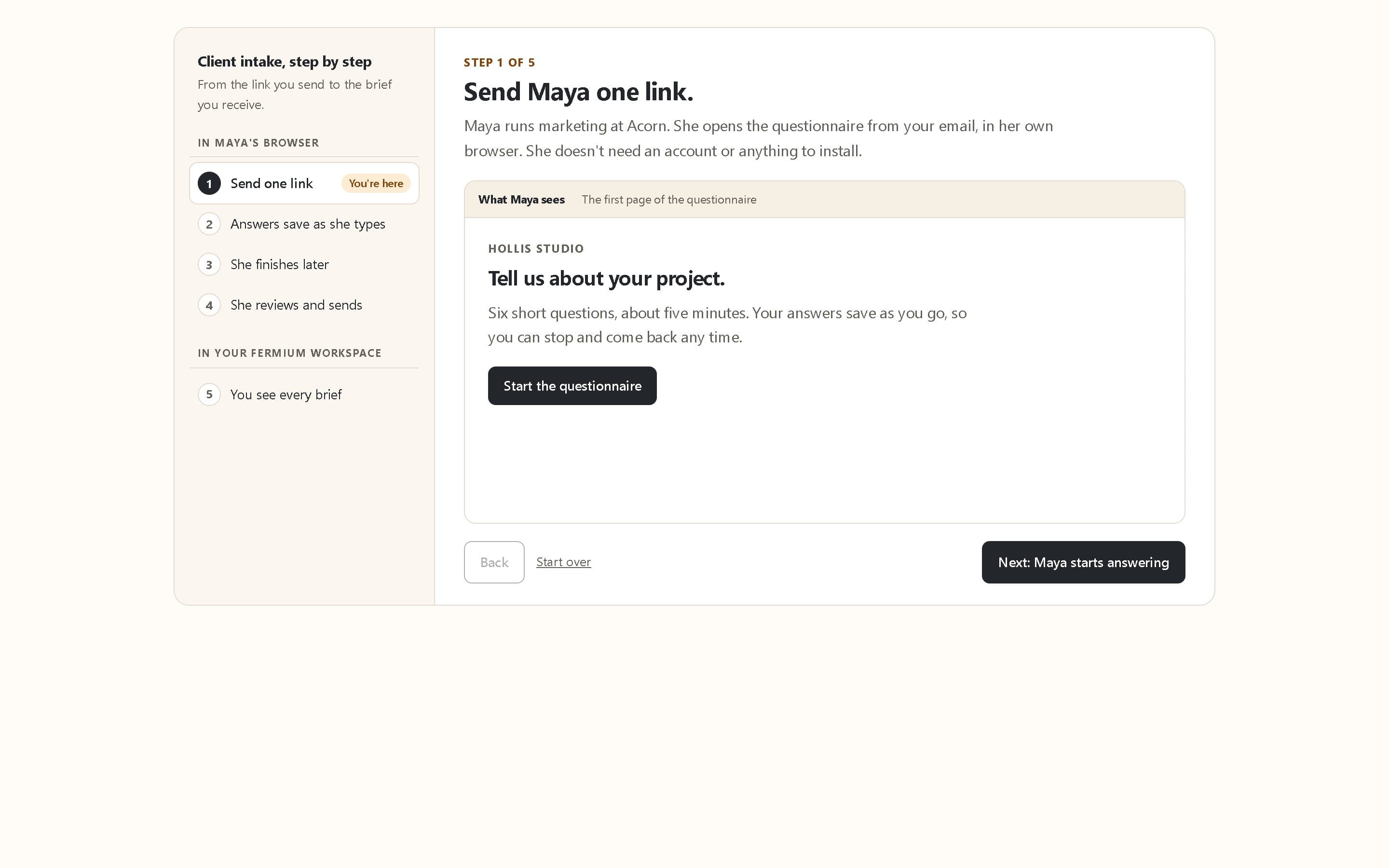
Create an onboarding database in Clients/[client name] with contacts and onboarding requests. Build a welcoming intake form for the client with company, contact email, project goals, target date, and supporting uploads saved to the client asset folder. Keep internal owner and status fields out of the form. Use our implementation team's existing folder permissions for the database. Create a pending-requests view and a chart of requests by status. Ask me for the client name and access settings before sharing the link.
How it runs
- Gather the briefAsk for project goals, contacts, timing, and supporting uploads in one welcoming form. Choose where the assets belong.
- Organize the handoffKeep contacts and onboarding requests in the client project folder. Add internal owner and status fields for your team.
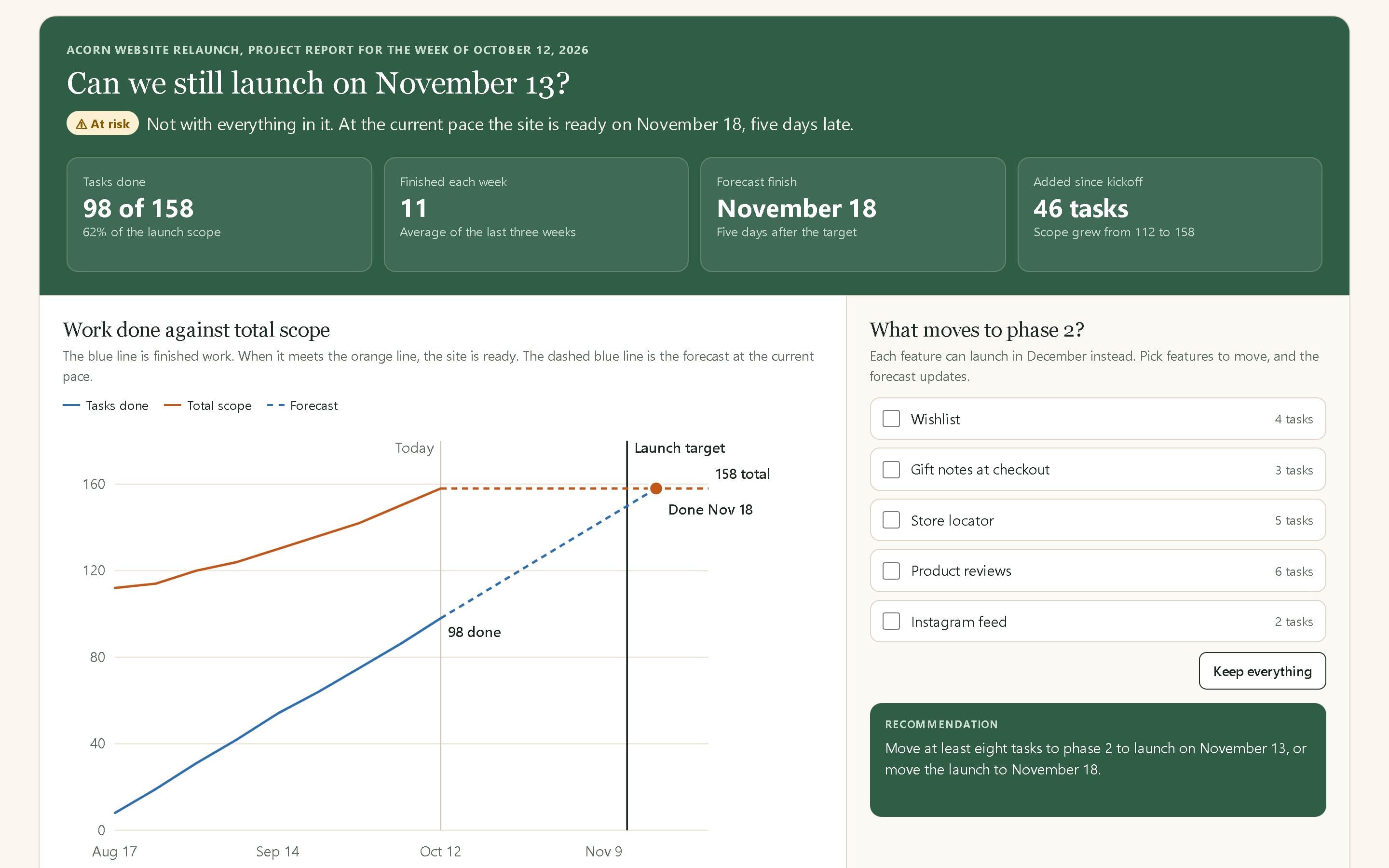
- See the next stepSave a pending-requests view, filter by target date, and chart the number of requests in each status.
- You getAn intake page for the client, contacts and requests tables for the team, and saved views that make follow-up work visible.